Livi
Your agent.
On your Home Screen.
Connect Claude, ChatGPT, or any agent to your iPhone. Live widgets keep you in the loop, and one tap answers before it does anything big.
Or just tell your agent, and it walks you through everything:
Set up Livi for me: https://livi-widgets.vercel.app/startFree during the beta. iPhone, iOS 26 or later.
Widgets
Built by your agent. Kept fresh.
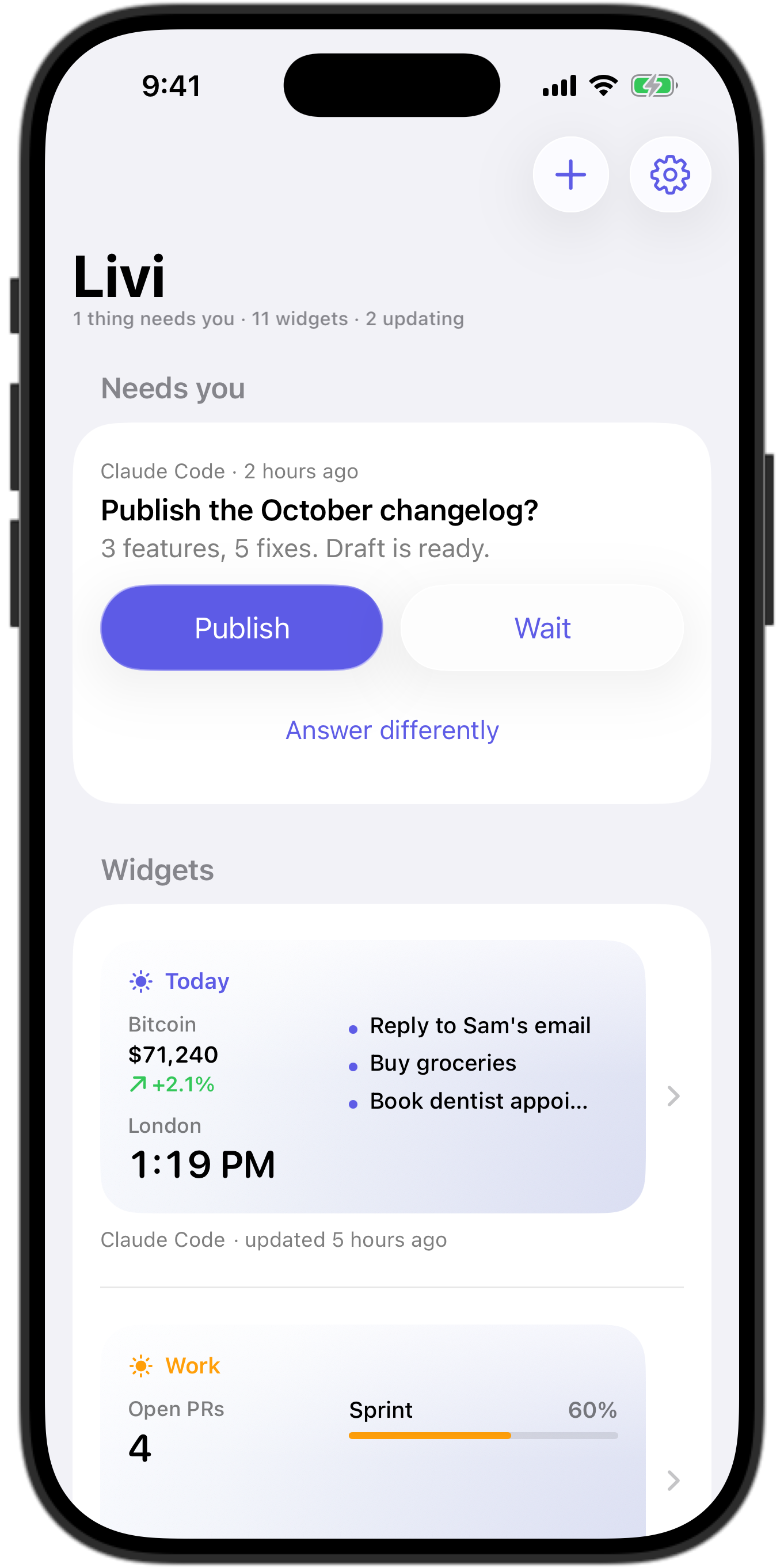
Ask for a morning brief, your build status, a trip countdown, or the prices you watch. Charts, rings, photos, timers, checklists, and buttons: your agent picks what each size shows, checks how it looks before you see it, and every change lands on your phone instantly.
- Instant. Pushed to your Home Screen as it happens.
- On schedule. Refresh every morning, every hour, or every build.
- Tap right on it. Tick a checklist or press a button, and your agent hears it.
- Everywhere. Home Screen, Lock Screen, StandBy, iPad, and Control Center.
Capabilities
Every kind of widget, for every kind of agent.
Showcase
Six widget sizes.
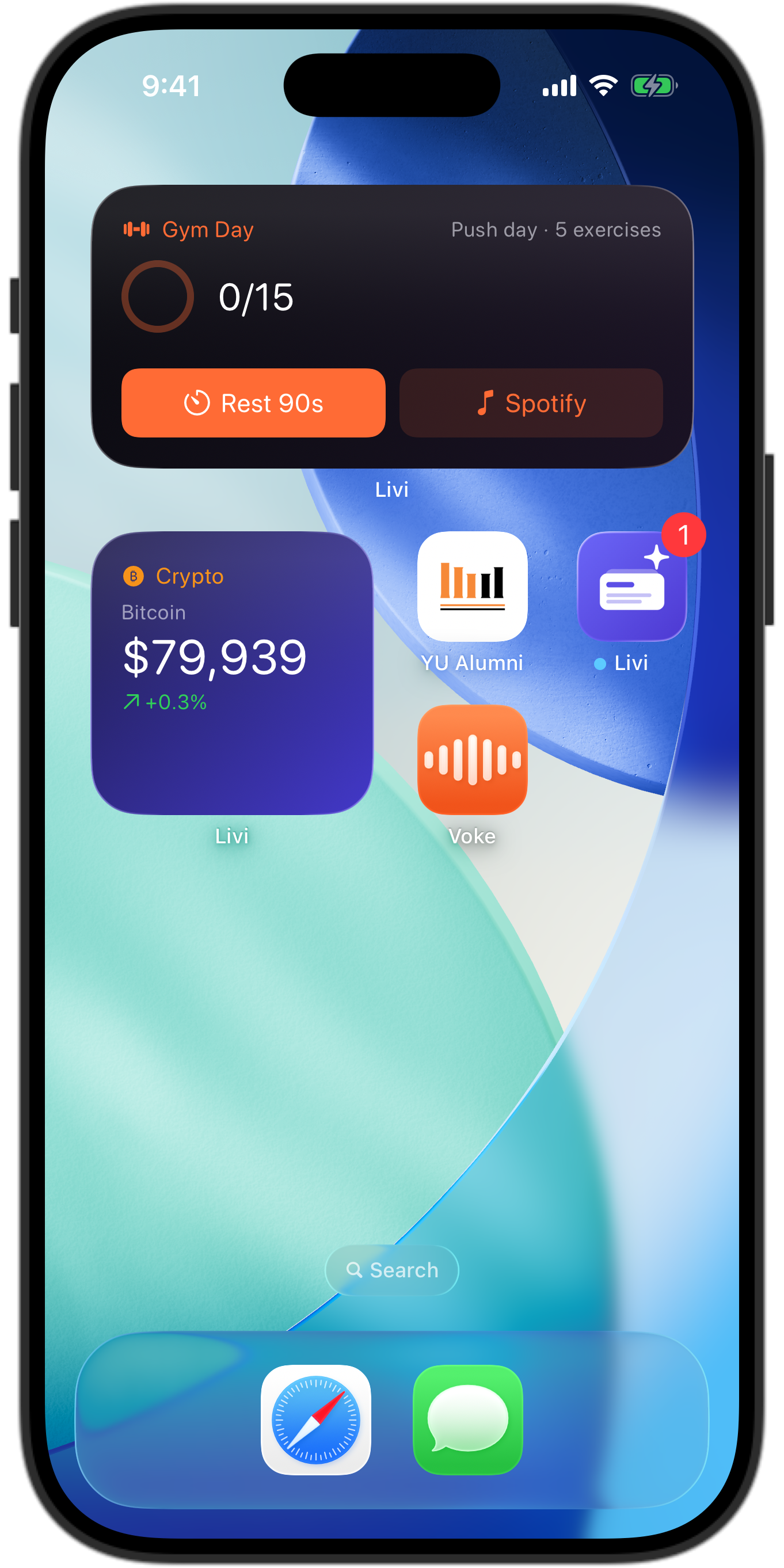
Small, medium, and large. Home Screen, Lock Screen, StandBy, iPad, and Control Center.

Rich data
Charts and ring gauges.
Your agent chooses the right visualization for each piece of data.

Checklists
Tick items right on the widget.
Your agent hears every tap. No need to open the app.

iOS 26
Frosted glass, and real Liquid Glass.
Widgets default to frosted glass and become real Liquid Glass when your Home Screen is set to Clear.
Compatibility
Works with every agent.
Setup
Connected in under a minute. No keys to copy.
Give your agent one link. It shows you a code, you type it into Livi, and it sets itself up while you watch it appear. The same way you pair a TV.
Set up Livi for me: https://livi-widgets.vercel.app/startGive your agent one link
Claude Code, Codex, Cursor and friends walk you through it, from installing Livi to the code to type.
Type the code it shows
In Livi, tap + and enter it, or scan its QR with your camera. Each agent gets its own code and its own key. Chat apps get a private connector link.
Add the widget
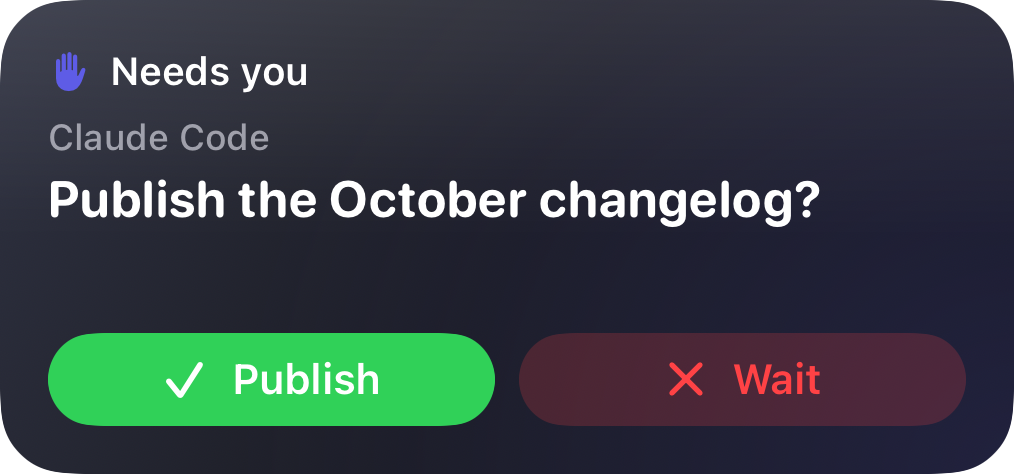
Put Livi on your Home Screen and Lock Screen. Your agent fills it. You answer right there.
Scheduling
The right thing, at the right time.
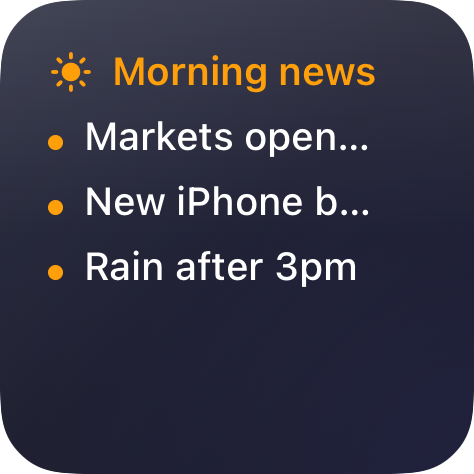
Tell your agent once: news at 5 AM, your plan at 10, the shopping list at 5 PM, something else when you get home. It sets the versions, and your phone switches between them automatically.
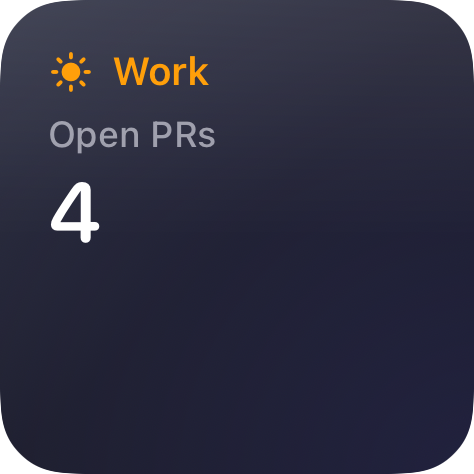
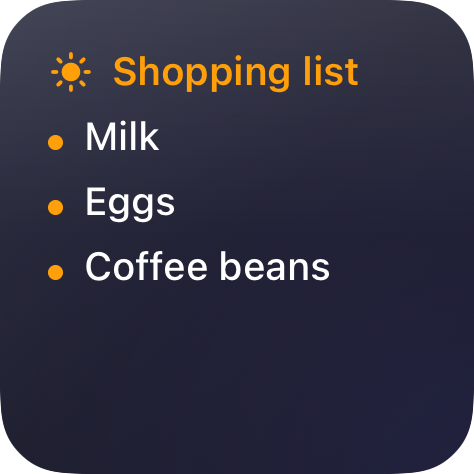
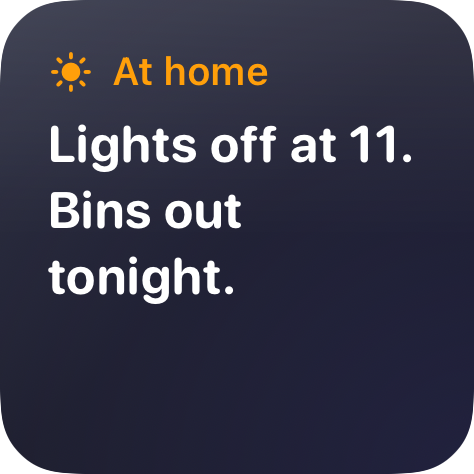
If you allow it, agents can see which saved place you are at, your battery, and your time zone. Never your exact location.
Human in the loop
It asks. You tap. It carries on.
Before a deploy, an email to a client, or a payment, your agent asks on your phone and waits. Approve or reject, pick an option, or type a reply from the notification or right on the widget.
- Never guessed. Agents wait for your answer and cannot answer themselves.
- Any shape of question. Yes or no, multiple choice, or free text.
For developers
A real MCP server. Plain HTTP too.
Seven tools, one token per agent. Point your agent at the skill and it knows the rest.
# once, with the token from pairing
claude mcp add --transport http livi \
  https://ujtuxanqlzmhnrzijfoo.supabase.co/functions/v1/mcp \
  --header "Authorization: Bearer lv_…"

# then just ask
> Every morning at 7, put the top 5 AI headlines
  and NVDA on my Livi. Ask me before deploys.
Questions
Frequently asked.
Does my agent need to run all the time?
No. Livi keeps the widget and pushes it to your phone. For widgets that should stay current, your agent schedules itself, like a Claude Code scheduled task or a cron job. The agent docs show how.
What can a connected agent see?
Only what it writes: its widgets, its questions, and their answers. It cannot read your account or other agents, and it can never answer its own questions.
How do I disconnect an agent?
Open its menu in Livi and choose Pause or Disconnect. Disconnecting revokes its token immediately.
Does it work with ChatGPT and the Claude app?
Yes. Choose that option when connecting and Livi gives you a private connector link to add as a custom connector.
Is it free?
Yes, during the beta.